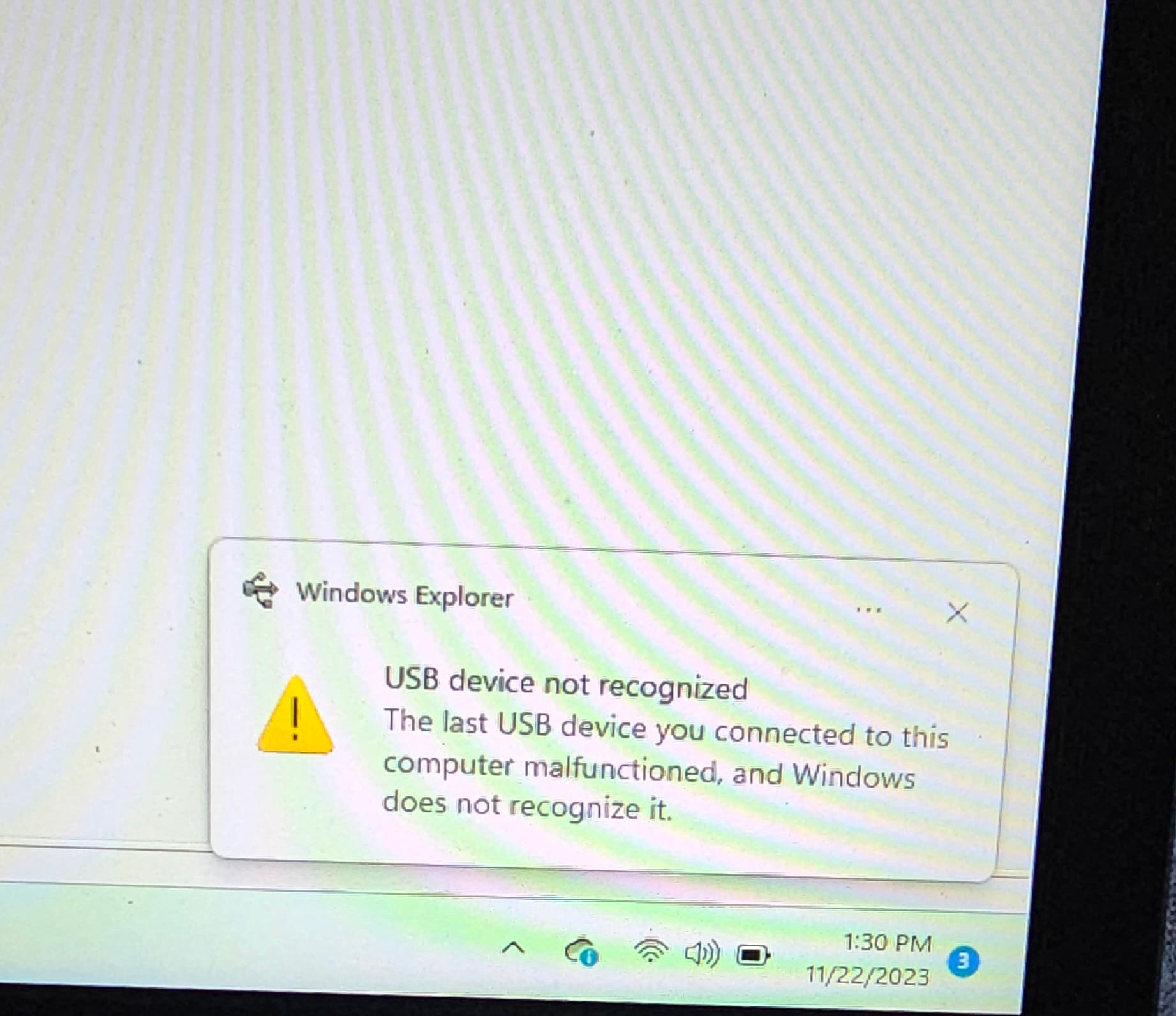
To save time, I just copied this from another site I posted it on.
I downloaded the correct driver (I hope) from
the Wouxun web page, but I keep getting
this error message when I turn on the radio
(Wouxun KG-UV9PX). I chose the “KG-UV9PX
R1.00 (211207) setup64” choice. My laptop is a
Windows, and running Windows 11.
The only thing is that my cable is one I already
had, and not the red one. But since the cable
doesn’t have a chip in it, I don’t think it makes
much of a difference (I hope). And I have connected 10 different ht’s (different makes & models to make sure the cables work).
Any clues as to what l’m doing wrong?
Have tried reinstalling the app as that message suggests the driver is the problem. Go to device manager with the radio plugged in and on and see what windows has loaded and the port has been created. The driver is supposed to install with the software but maybe security privileges prevented it?
1 Like
Thanks. Worked like a charm.
Using Windows is your problem. I have read that many drivers simply don’t work with Windows 11.
you may have read that, but it’s wrong. I changed from 10 to 11 with no issues, apart from a few old prolific usb chips in old cables, whicg windows no longer likes - 10 or 11! macs don’t have the ability to use windows software, without using windows itself - so no advantage. Few write software for Macs/